




Introduction #
Open iT supports Altair usage reporting. The following sections will guide you on the required configuration for license manager utility polling and log file parsing.
Apply the configurations shown in the Open iT client.
Configuring License Manager Utility Polling #
Open iT polls the license servers at regular intervals to get the current status of its license use and availability.
An Open iT client is installed on your license server for this collection. The data collector/preprocessor gathers the current license usage information from the license manager every hour using a 5-minute sample interval, triggering the data collection process. It also processes the gathered license usage. Once the data is preprocessed, it is transmitted to the Core Server, according to the client’s timezone, for further storage, completing the license usage data collection and processing.
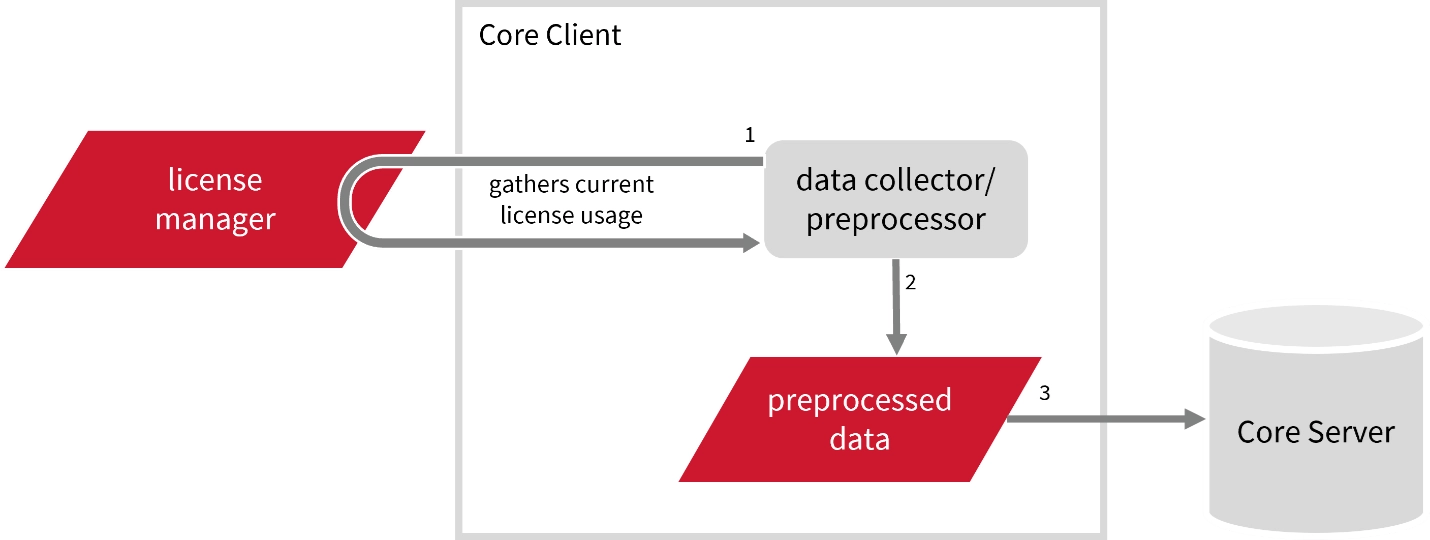
This will produce the following aggregated data types used for historical reporting:
- (49) Host User License Use
- (93) OLAP Raw Hourly
- (94) OLAP User Concurrency
- (95) Usergroup License Use v3.0
- (102) OLAP Total Use
The following sections will guide you on the required configuration to collect the needed data and send it to the server.
Requirements #
- An Open iT Client connected to an Open iT Server or a coexistent Open iT setup
- Activated LicenseAnalyzer collection and license poller
- License server administrative rights
- Running license manager utility binary and its location
Getting the License Status Utility Binary Location #
This configuration requires the path to the license status utility binary, almutil, to obtain the license status information. Get this by following these steps:
Run the following command to locate the binary:
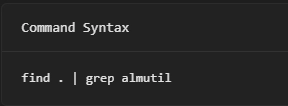
The path of the binary will be displayed.
Configuring Data Collection #
These instructions assume your configuration directory is /var/opt/openit/etc.
- Go to the Components directory, which is by default in /var/opt/openit/etc/Components, and back up the licpoll.xml configuration file.
- Go to the bin directory, which is by default in /opt/openit/bin, run the command:
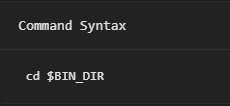
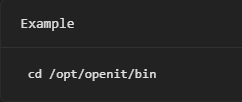
- Once in the directory, activate the collection of Altair data, run the command:

- Set the license server name and port used by the Altair License Server, run the command:


- Set the path to the binary used by the Altair License Server, run the command:

where <binary_path> is the obtained path in Getting the License Status Utility Binary Path.

- Update the configuration file, run the command:
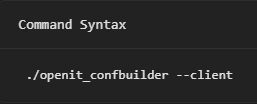
Verifying Data Collection #
After configuration, you can verify that the data is collected by following these steps:
- Go to the bin directory, which is by default in /opt/openit/bin, run the command:
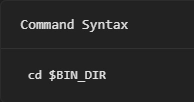
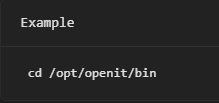
- Run the command:
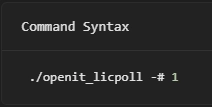
- Verify that the temp directory, which is by default in /var/opt/openit/temp, contains a LicPoll directory containing .data and status-*.log files.
For assistance or further configuration support, please contact your Open iT support team.
For additional references, you may visit our Documentation page.